
Quickstart
Leap ships as a single binary and needs PostgreSQL. This guide is a procedure. It shows how to install Leap and start it.
You can run Leap in three ways:
- with Docker Compose (development),
- with Docker Compose (production),
- as a single binary.
Prerequisites
Section titled “Prerequisites”- Docker and Docker Compose (for the Docker methods).
just(for the development and build-from-source methods).- Go 1.25+ and Node 22+ (for a build from source).
- pnpm (for a build from source).
Run with Docker Compose (development)
Section titled “Run with Docker Compose (development)”-
Start the development stack:
Terminal window just docker-up -
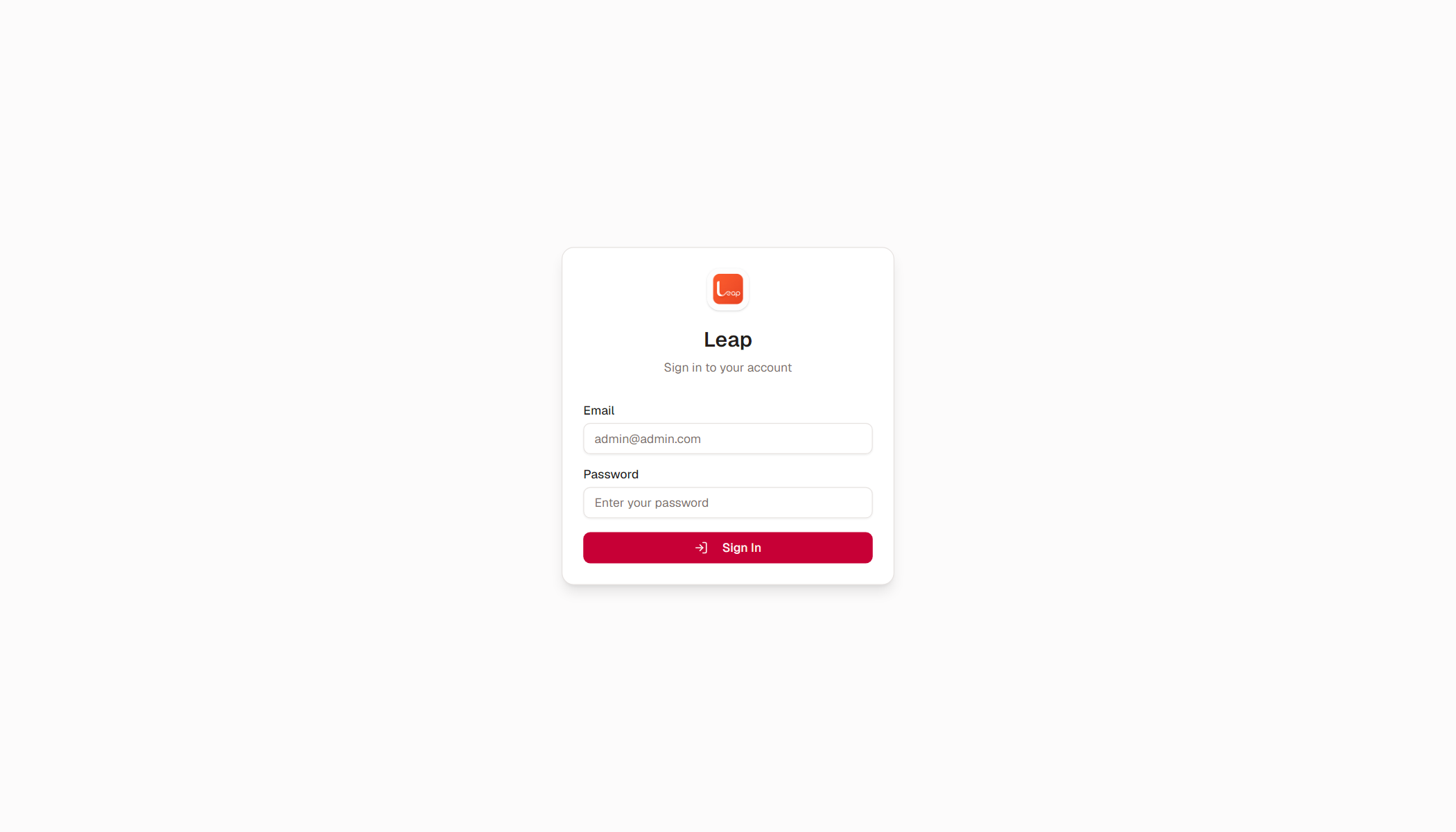
Open
http://localhost:9000in a browser. -
Log in with
admin@admin.comand the passwordadmin.
The development stack also starts a database browser (pgweb) at http://localhost:8081.
The credentials above work only in the development stack. Production refuses them.
Run with Docker Compose (production)
Section titled “Run with Docker Compose (production)”-
Copy the example environment file:
Terminal window cp docker/.env.example docker/.env -
Edit
docker/.env. SetJWT_SECRET,SUPERADMIN_EMAIL,SUPERADMIN_PASSWORD,POSTGRES_PASSWORD, andDB_PASSWORD. Use the same value for the two database passwords. -
Start the stack:
Terminal window docker compose -f docker/docker-compose.yml up -d -
Open
http://localhost:9000in a browser. -
Log in with your
SUPERADMIN_EMAILandSUPERADMIN_PASSWORD.
If a secret is missing, or a placeholder remains, the application exits immediately. It starts only when every secret is real.
Run as a single binary
Section titled “Run as a single binary”-
Generate a config file:
Terminal window ./crm --new-config config.toml -
Edit
config.toml. Replace every placeholder secret. -
Start PostgreSQL. You can use any existing instance.
-
Run the binary:
Terminal window ./crm
The migrations run automatically at startup. They are idempotent, so a restart is safe.
The server refuses to start with placeholder or empty secrets.
Build from source
Section titled “Build from source”-
Start PostgreSQL in Docker:
Terminal window just dev-dbThe command also starts the database browser (pgweb) at
http://localhost:8081. -
Build the binary:
Terminal window just build
The binary is at bin/crm. It contains the frontend and the migrations, so it runs anywhere without extra asset directories.
For a full local environment, read the Development guide.
What is next?
Section titled “What is next?”- Read the Features page for a tour of the product.
- Read the API Reference to explore the REST API.
- Run the tests with
just check. The command runs format, vet, lint, and tests.